
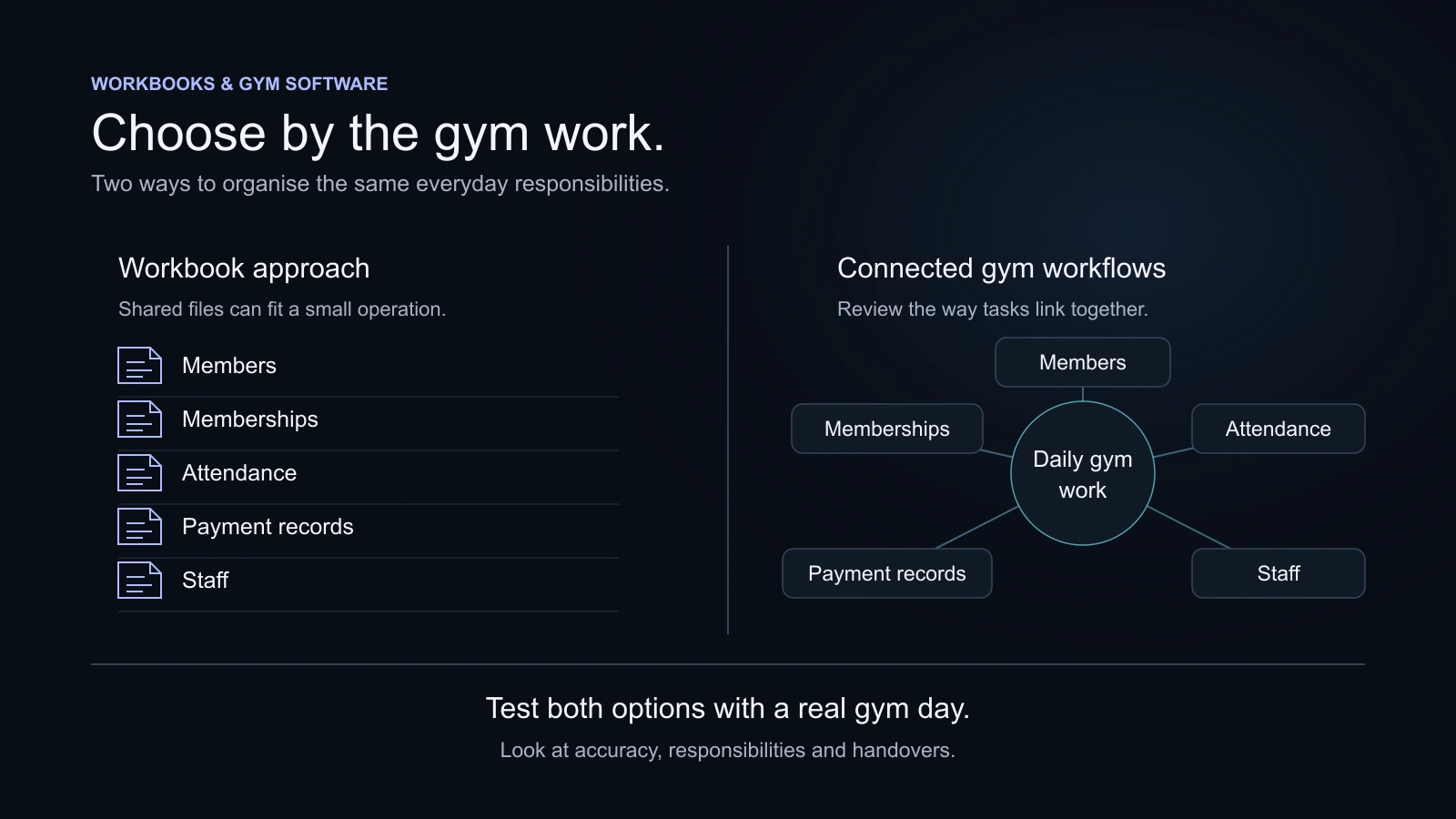
A spreadsheet can suit a gym with a simple process and clear responsibility for maintaining it. Consider gym software when connected memberships, attendance, payment work, staff handovers or member services are becoming difficult to manage together. Test the observed problem before paying for a larger system.
Key takeaways
- Excel can support collaboration; a fair comparison should acknowledge that.
- Look for repeated operating difficulties rather than a particular member-count threshold.
- Compare the complete workflow, not a spreadsheet cell against a software screenshot.
- A move needs checked records, trained staff and a clear cutover.
A workbook can hold a gym’s member names perfectly well. The harder question is what happens when reception updates a payment, a trainer needs context, and the next shift must continue a renewal conversation. If those tasks still run clearly, the spreadsheet may be doing its job. If they repeatedly require separate messages and guesswork, investigate the workflow.
Do not switch because a spreadsheet is unfashionable. Switch when a tested alternative handles an observed need better at a reasonable total cost.
Start by giving the spreadsheet a fair assessment
List the work it currently handles and the person responsible for each part. A small gym with a straightforward membership offer and one clear recordkeeper may have little difficulty. A tidy workbook, regular checks and an organised folder can be an effective starting point.
Excel is not limited to one person editing an isolated file. Microsoft documents co-authoring and version-history options for supported Excel versions and cloud storage arrangements. Check the requirements for your actual setup before claiming collaboration is unavailable. Those features can help a team, but the gym still needs to agree how its operating records will be maintained.
The comparison is between your current complete process and a proposed new process. Include the other files, messages and paper notes that make either approach work.
Look for repeated difficulties, not one untidy day
Track ordinary examples for a short period. Which lookup took longer than expected? Which handover needed a colleague’s personal chat? Which membership date was unclear? Which payment question required more than one file? Describe the problem in plain language and note how the team resolved it.
Do not turn a busy day into an unsupported claim about lost revenue. A useful observation might be: reception could not confidently answer a member’s balance question without the person who maintains the payment sheet. That points to an information and responsibility problem worth testing.
Also check whether a simpler improvement would solve it. A clearer workbook structure, agreed owner, better sharing arrangement or consistent notes may be enough. A software purchase is one possible response, not the only response.
Compare ordinary tasks side by side
| Work | Workbook-based approach | Gym software to evaluate |
|---|---|---|
| Member information | A structure the gym designs and maintains | Profile and connected history offered by the product |
| Memberships | Dates and terms maintained through the chosen sheet process | Membership and renewal views in the relevant plan |
| Attendance | A register, sheet or separate service may supply visits | Supported attendance method and related history |
| Payments | The gym maintains its chosen payment records and balances | Recordkeeping and any separately supported collection tools |
| Team use | Sharing and co-authoring depend on the actual setup | Individual accounts and relevant role access |
| Member self-service | Not an ordinary workbook feature by itself | A portal or app where included and enabled |
| Reporting | Formulas, filters and summaries designed by the gym | Product reports, available exports and stated limitations |
| Cost | Existing licences, setup and staff effort | Subscription, capacity, extras and the work of moving |
A custom spreadsheet or additional service may extend the workbook approach. A software product may omit a feature your own sheet already handles. Test both fairly instead of treating every difference as an automatic advantage for software.
Follow one member journey across the tools
Use an illustrative member with a joining date, membership end date, a recorded payment and a later question. Work through joining, attendance, payment review, renewal and handover. Keep the example free of real personal information.
Your present process
Member details → membership dates → visit information → payment record → handover.
Identify the files, services and people needed to complete the work.
A product to evaluate
The same joining, visit, payment and renewal questions, tested by the people who will use it.
Check what connects and what still needs a separate process.
Original explanatory workflow. Neither approach guarantees accurate information without an agreed process.
In the current process, count the places the team must consult and note where an update is repeated. In the proposed product, check whether the person doing the task can find the relevant information and understand the next step. Do not mistake a longer feature menu for a clearer member journey.
Member management in KRYOON is one example of how profiles and related gym activity can be organised. Whether it is an improvement for your gym depends on the work you need to do.
Give staff access its own test
A workbook’s sharing permission and a product’s staff role solve different parts of a problem. List what each person needs to do and what information they should have for that responsibility. Test a manager, trainer or accountant using an individual account where the product offers one.
Do not test everything through the Owner account and assume the team will have the same experience. Equally, do not promise a spreadsheet has no access controls. Evaluate the actual sharing arrangements you use and the actual roles the proposed product supports.
KRYOON defines Owner, Manager, Trainer and Accountant roles, with a dedicated Staff Portal for staff work. Explore staff and permissions and verify the selected plan’s inclusions. A role name is a starting point for a practical test, not a reason to skip it.
Check whether member services matter to your gym
A gym may want members to see relevant membership information, attendance, class bookings, invoices or training activity. Ask what your members actually need before comparing an app or portal. A staffed open-floor gym and a class-led studio may have different priorities.
KRYOON’s Member Portal is enabled by the gym. It gives members their own experience for relevant services and information. It does not provide online member checkout. If a provider advertises a mobile app, establish whether it means a browser experience, shared app or separately priced branded application.
Test on a phone rather than relying on a desktop demonstration. Check the few actions a member will use often and ask a staff member how they would help someone who gets stuck.
Compare the cost of staying as well as moving
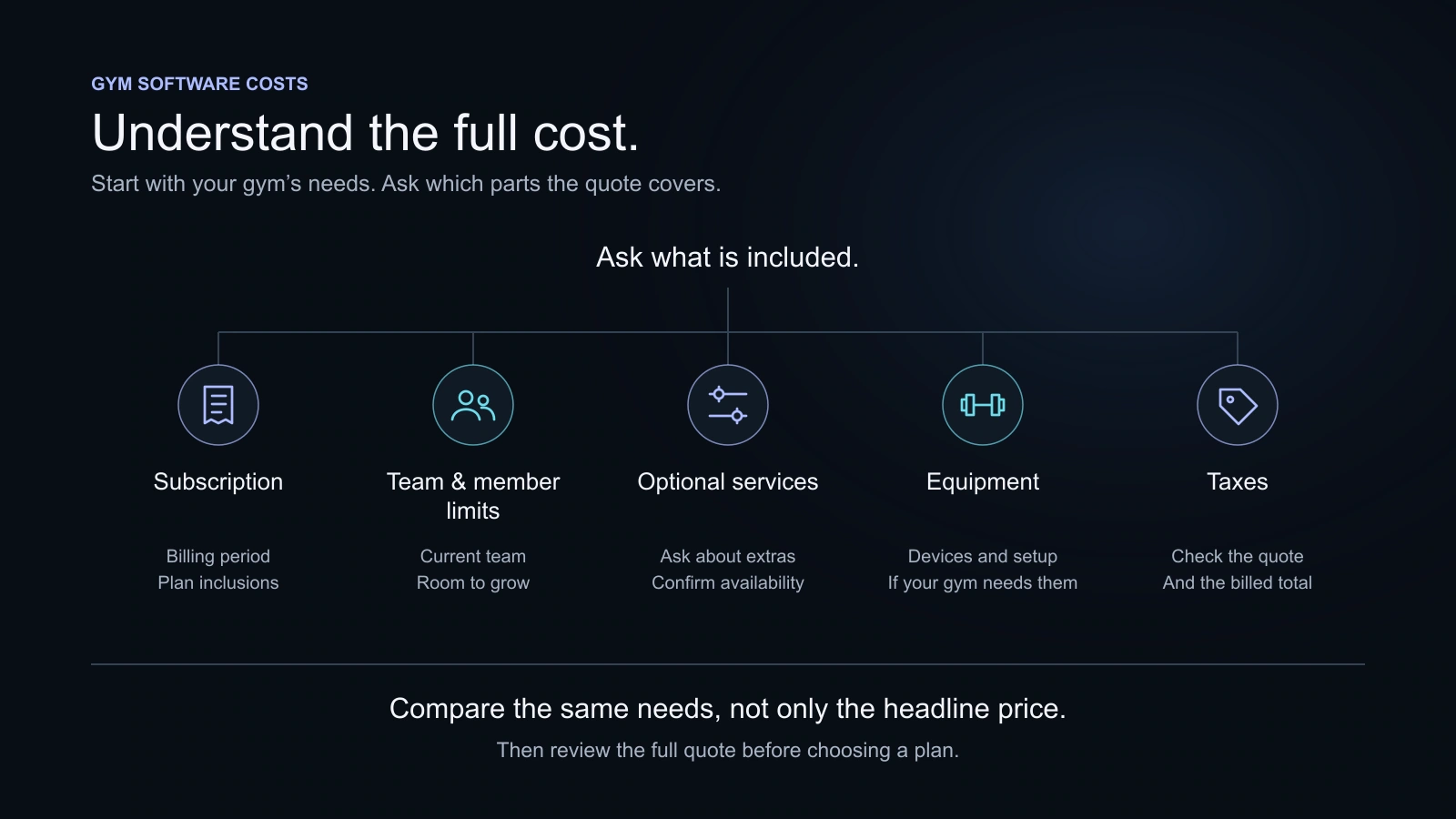
Use your actual spreadsheet licences, associated services and the time your team spends maintaining the process. Do not attach an invented national hourly wage or claim that every minute saved becomes revenue. State any assumption you choose to use.
For software, record the relevant plan, capacity, billing period, tax, optional services and equipment. Keep one-off migration work separate from recurring charges. The pricing guide provides a cost worksheet and a way to structure those questions.
The useful result is a clear choice between workable approaches. Paying more may be reasonable if a critical member or staff task becomes easier to manage. Paying less may be sensible when the existing process remains clear and dependable.
Plan a controlled move
Before a complete switch, decide which records are current and who can resolve ambiguous dates or balances. Confirm what the product can import and what must remain in a separate archive. Test representative sample information, including the awkward cases that motivated the move.
Check the results with the people who understand the original records. Explain the new process to reception and trainers, then agree when the new recordkeeping starts. Avoid leaving staff unsure which of two conflicting versions to consult. Keep a practical route for resolving questions during the changeover.
Do not describe this as an instant, risk-free migration. The point of a sample is to learn what needs attention before the move affects normal work.
Use a switch-or-improve checklist
Consider improving the present process when responsibilities are clear, useful information is easy to find, member services are simple and the team is comfortable maintaining the records. Consider testing software when connected tasks, separate services or repeated handover difficulties have become a real operating concern.
Before choosing either route, ask:
- Can the right person answer ordinary membership and payment questions?
- Can another shift continue the work without depending on a personal message?
- Are membership dates and relevant balances understandable?
- Can the team obtain the records it needs later?
- Does the cost fit the actual services and people involved?
- Has the proposed change been tested with those people?
The decision does not need a universal member threshold or a dramatic failure story. It needs a clear problem, a fair test and a workable handover. Use the buyer’s guide when you are ready to compare products against that brief.
Questions, answered
How many members should a gym have before switching?
There is no universal member number. The complexity of memberships, services, staff responsibilities and the problems you actually observe matter more than a single count.
Can Excel support several people working together?
Yes, supported Excel versions and cloud arrangements provide co-authoring. Check Microsoft’s requirements for your setup and agree how the gym will maintain its records.
Will buying software remove every data mistake?
No. Staff still need to enter accurate information, understand the workflow and review corrections. Software should make the chosen process easier to follow, not replace responsibility.
Should the gym move every historical file immediately?
Decide what the new operation needs and what must be retained separately. Test a small relevant sample and confirm the supported import/export scope before a complete move.
Sources and further reading
Product details and third-party offerings can change. Check the linked information before a purchase.
- Microsoft: Excel co-authoring requirements and version historyChecked 29 October 2026
- KRYOON member managementChecked 29 October 2026
- KRYOON gym management productChecked 29 October 2026