
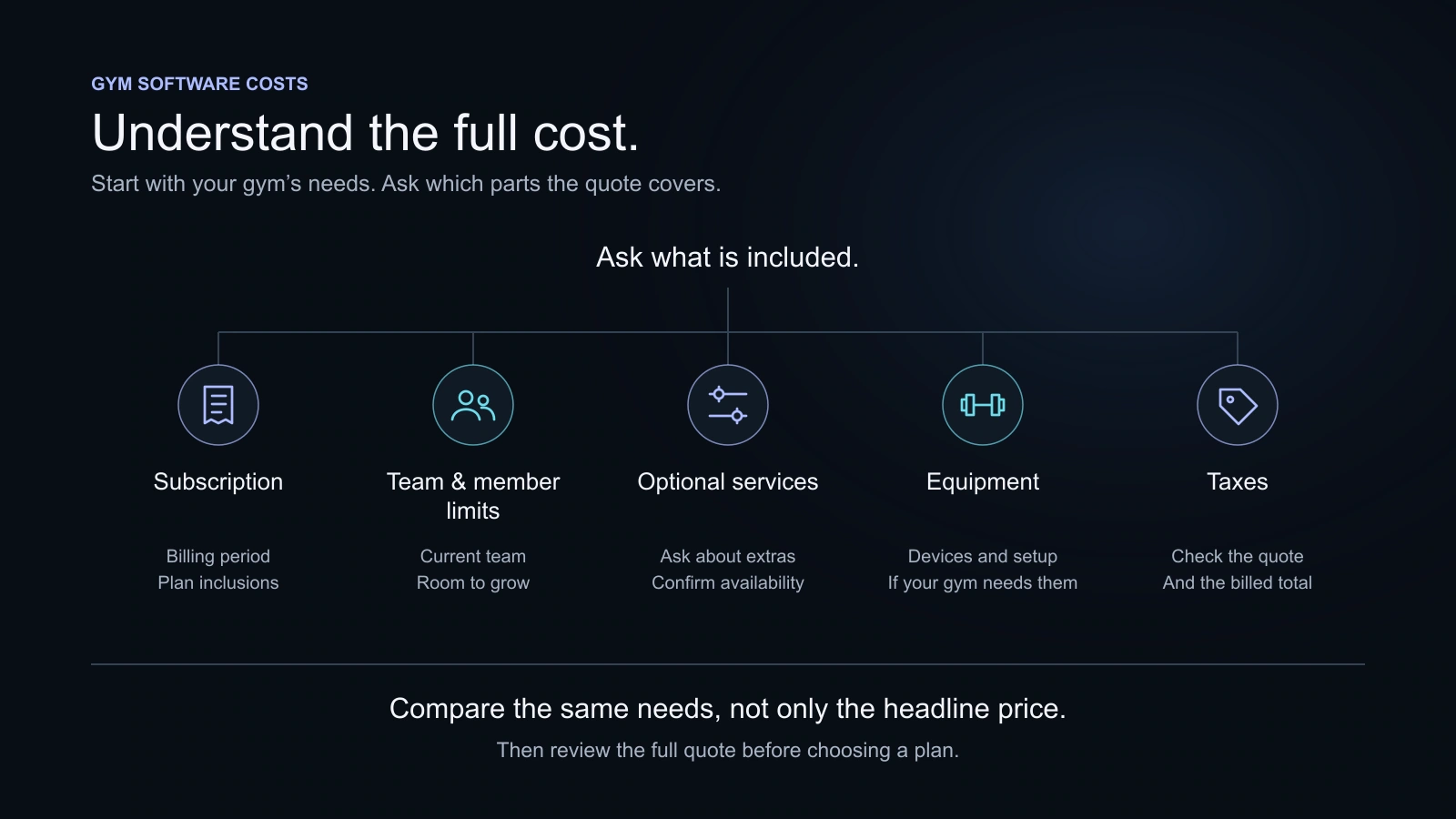
Compare gym software by the total amount your gym would pay for the chosen period, not just the advertised starting price. Check included features, member and staff limits, recurring extras, payment arrangements, equipment and applicable taxes. Separate the first-year outlay from the cost of continuing with the same setup.
Key takeaways
- Use the exact plan and written quote for your gym.
- Keep recurring fees separate from equipment and setup costs.
- An annual monthly equivalent is not a monthly instalment agreement.
- Ask about messaging, payment services and hardware without assuming every provider charges the same way.
Two software quotes can show a similar monthly price and lead to different cash commitments. One may include the staff accounts you need; another may price a useful service separately. A yearly offer may lower the monthly equivalent while requiring a larger payment at the start.
Compare the setup you would actually use. A short cost sheet is more useful than trying to decide from the largest price on a landing page.
Start with the service you need to buy
Describe your operation before comparing amounts. Note the people who need accounts, the member capacity you need, and the services you offer. If classes, personal training or a gym shop matter, check whether the quoted plan includes them.
Ask for the billing basis: per gym, location, member, staff account or another unit. Ask what happens commercially at the next likely level of usage. A plan that fits today may still be reasonable if growth has a clear next step. An unclear future charge makes comparison harder.
Avoid paying for a capability simply because its name sounds important. Equally, avoid leaving an essential task outside the comparison. The software buyer’s guide provides a practical list of tasks to test.
Keep these cost questions on one page
| Cost area | What to confirm | How to record it |
|---|---|---|
| Subscription | Exact plan, billing period and full amount | Monthly or annual recurring cost |
| People and capacity | Included members, staff accounts and locations | Any quoted additional capacity |
| Communications | Included channels, allowances and external accounts | Only charges relevant to your setup |
| Member payments | Recordkeeping versus online collection; merchant fees if relevant | Provider-confirmed processing arrangements |
| Equipment | Supported devices, purchase, installation and ongoing costs | One-off and recurring amounts separately |
| Setup or moving records | What the supplier does and what your team does | Quoted services and your team’s preparation |
| Member experience | Web portal, shared app or separately priced branded app | Confirmed included or additional service |
| Tax and currency | Whether quoted prices include applicable taxes | Actual billed amount and currency |
These are questions, not a claim that every provider charges each fee. Use “included,” “not needed” or “not offered” when that is the correct answer. Never invent an add-on amount to complete a table.
Understand monthly and annual presentations
Monthly billing and annual billing affect both comparison and cash planning. For an annual plan, write down the amount due for the year and the monthly equivalent beside it. Review cancellation and renewal terms before choosing the longer commitment.
A discount is only meaningful against a stated baseline. Check the same plan, capacity and billing period. An introductory promotion, a standard annual offer and an agreed custom quote are different arrangements. Do not assume the next renewal uses the same amount as a temporary offer.
If a vendor advertises extra months rather than a percentage discount, use the actual annual quote in your comparison. You do not need to manufacture a rounded discount figure to understand what is payable.
Compare KRYOON’s plans
The following table shows KRYOON’s current plans and prices. Prices are before GST. Review the live plan comparison for the complete included features before deciding.
| Plan | Monthly | Yearly, per month | Billed yearly | Annual offer | Members / staff |
|---|---|---|---|---|---|
| Starter | ₹999.00 | ₹929.07 | ₹11,148.84 | Save 7% | 150 / 3 |
| Growth | ₹1,999.00 | ₹1,779.11 | ₹21,349.32 | Save 11% | 500 / 8 |
| Pro | ₹2,999.00 | ₹2,499.17 | ₹29,990.00 | 2 months free | 2,000 / 20 |
| Enterprise | Custom | Custom | Contact sales | Discuss requirements | Custom |
Starter, Growth and Pro have different member and staff limits. Leads and Classes/PT start at Growth; Pro adds products, point of sale and stock. Enterprise is a discussion about specific requirements, not an assumed unlimited version of a fixed-price card.
KRYOON’s subscription payment arrangement is separate from your gym’s member invoices and manually recorded payments. The presence of subscription billing does not mean the Member Portal takes member fees online.
Work through a clearly hypothetical quote
Suppose a gym is comparing an illustrative software quote with a ₹1,500 monthly subscription, ₹250 per month of required optional services, a one-off ₹6,000 equipment purchase and ₹1,500 setup charge. These are invented planning inputs, not KRYOON prices or typical Indian market costs.
| Item | Illustrative first-year amount |
|---|---|
| Subscription over twelve months | ₹18,000 |
| Required optional services over twelve months | ₹3,000 |
| One-off equipment | ₹6,000 |
| One-off setup | ₹1,500 |
| First-year planning total, before any tax | ₹28,500 |
| Continuing annual cost with the same recurring inputs | ₹21,000 |
The equipment and setup explain why first-year cash outlay differs from the continuing annual figure. The continuing estimate does not include future replacement equipment, changed fees or other costs you have not entered. A real quote may be taxed or structured differently; use the actual invoice and provider confirmation.
Try the software cost worksheet
Enter the amounts from a real quote or a clearly hypothetical scenario. Use the actual annual subscription quote when you have one; this avoids guessing how a provider’s offer works. The worksheet separates recurring amounts from one-off items and calculates in your browser without collecting contact details.
What would your setup cost?
Use a vendor’s quote or your own hypothetical inputs. Your entries stay in this browser.
Enter the subscription amount to see the first-year and recurring estimates.
This is a planning estimate, not an invoice. Tax is included only if your inputs include it. Use the same tax basis for every amount.
The result is a planning estimate, not an invoice, tax calculation or statement of what a provider will charge. Include only relevant costs. Payment-processing fees, for example, may depend on your transaction pattern; enter your own supported estimate rather than assuming a flat market fee.
Account for the work your team must do
A supplier’s setup fee is only one part of a move. Someone at the gym may still need to tidy the member list, resolve unclear membership dates, check outstanding balances and help colleagues learn the new routine. Estimate the time involved separately, in terms useful to your own business.
Do not assign an invented universal rupee value to that time. If you choose to value it, write down your assumption. Compare the effort with the actual problem you are solving, such as repeated lookups or difficult handovers, rather than claiming software automatically pays for itself.
A limited sample test can uncover issues before a complete move. Ask what the provider imports and what your team must verify afterwards. Keep any private member information out of a sales demonstration until the service relationship and privacy responsibilities are understood.
Ask how optional services are supplied
For communications, find out whether the quoted feature includes delivery, requires an external account or has separate usage charges. For online member payment collection, ask which country and merchant arrangement are supported and who handles related fees. For access equipment, ask about the exact device, installation, connectivity and maintenance.
A logo alone does not answer these questions. Ask the supplier to state what your gym receives under the chosen proposal. If a feature is essential and unavailable, consider that a fit issue rather than assigning a fictional cost to make the product comparable.
KRYOON’s current member payment offering is recordkeeping and dues management. Its QR member attendance does not imply biometric or physical-entry integration. Keep those boundaries visible when comparing it with products that offer different services.
Read renewal, cancellation and record-access information
Before paying, check the amount and period of the purchase, how renewal works for your selected arrangement, how to stop a future renewal and how to obtain the records you may need later. Cancellation and refunds are separate questions. Read the relevant policy rather than assuming an unused part of a period is refundable.
For KRYOON, use the Refund & Cancellation Policy and current subscription information. Ask the team about any requirement that is not clear from the public plan. Do not treat a general article as a custom commercial agreement.
Finish with a cost-and-fit decision
Record the plan, amount due, renewal basis, relevant extras, equipment and unresolved questions. Then put the cost sheet beside the trial results. A product that fits your work at a clear price is easier to evaluate than a cheap headline plus a list of assumptions.
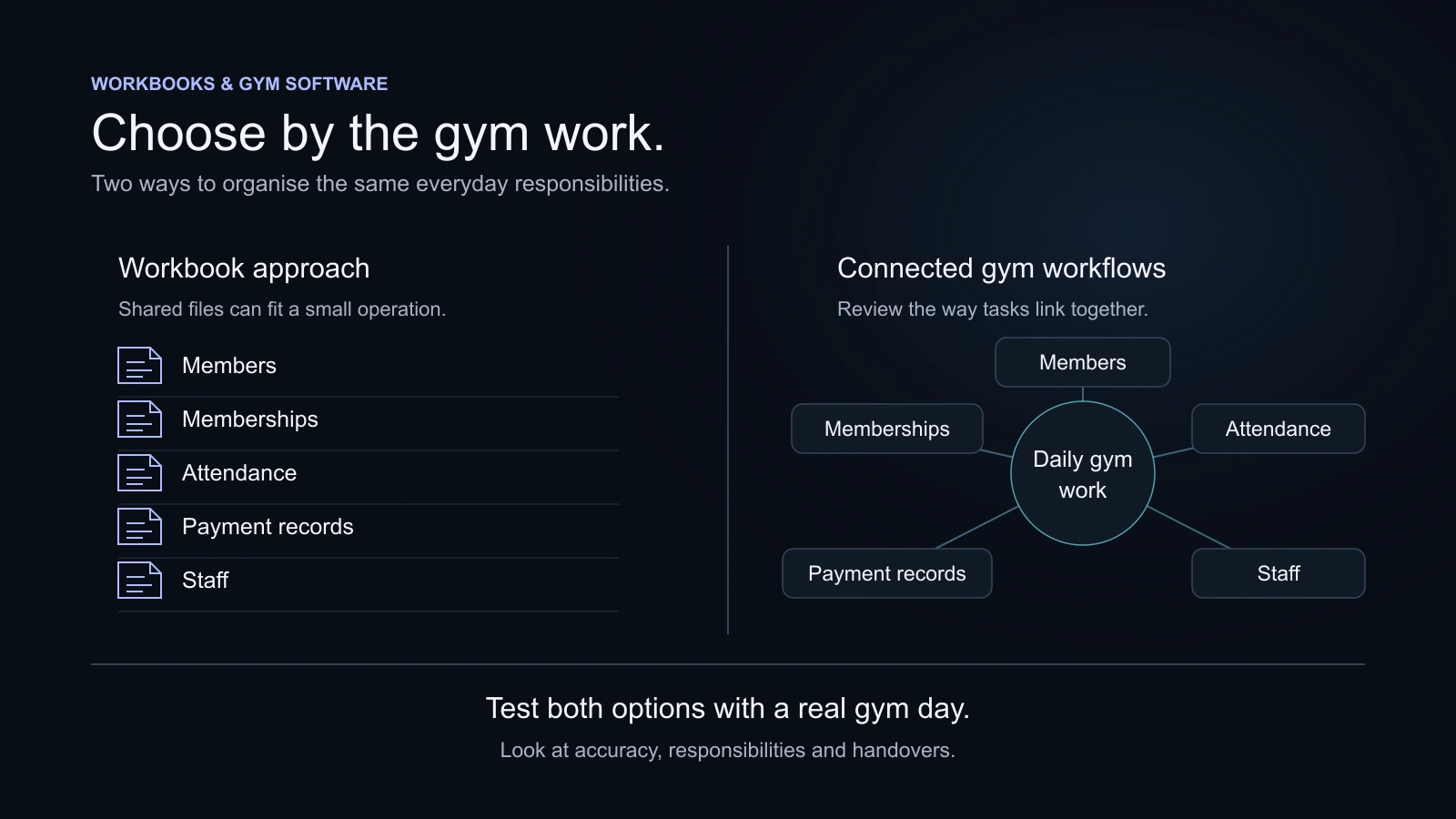
Review the next likely stage as well as the current setup. If your gym adds staff or services, what would you actually buy next? If the spreadsheet approach remains adequate, a move may be unnecessary today. Excel versus gym software helps make that separate operating decision.
Questions, answered
Should I divide every annual price by twelve?
That gives a monthly equivalent for comparison. Keep the full annual bill beside it so the cash commitment and payment schedule stay clear.
Does a gym software subscription include member payment-processing fees?
Do not assume so. Ask whether online member collection is available, which merchant arrangement it uses and which fees are included or charged separately.
Is the lowest first-year cost always the best option?
A low initial cost can be useful, but also compare essential tasks, staff effort, reliable data access and the ongoing cost. A needed feature that is absent can create a separate expense.
What is the Pro yearly offer in KRYOON?
The Pro yearly offer provides 12 months for the price of 10: ₹29,990 before GST. The page shows its rounded monthly equivalent for comparison and the annual total billed.
Sources and further reading
Product details and third-party offerings can change. Check the linked information before a purchase.
- KRYOON pricing and plan inclusionsChecked 29 October 2026
- KRYOON refund and cancellation informationChecked 29 October 2026
- KRYOON payment-record featuresChecked 29 October 2026