

The best gym-management software for an Indian independent gym is the product that fits its daily work, people and budget. Compare membership records, renewals, attendance, payments, staff access and member services, then test the critical tasks with sample information. Check the full cost and important limitations before choosing a plan.
Key takeaways
- Start with your gym’s working day rather than a feature-count contest.
- Separate recording member payments from taking payments online.
- Test the roles, member limits and services in the plan you would actually buy.
- Ask providers to confirm regional availability, extra fees and data-export options.
A software demonstration can look excellent while leaving the owner’s most awkward task unanswered. Can reception find the member who paid in two parts? Can a trainer work without sharing the Owner account? Can someone pick up a renewal conversation after the morning team has gone home?
Bring those situations to the buying decision. The useful question is which product helps your people complete the work clearly, at a cost your gym can sustain.
Describe the gym you are buying for
Write down what you operate today: an open-floor gym, a class-led studio, a personal-training business, or a combination. Note the people who will use the system and the services members expect. A studio may place bookings and capacity near the top of its list. A gym with staffed reception may care more about memberships, dues and handovers. A facility needing physical entry control has a separate equipment and installation decision.
Add the changes you can reasonably anticipate, such as another trainer or a larger member base. Avoid paying for an imagined future operation simply because a sales presentation includes it. Equally, check whether the next likely step would force you to change plans or systems immediately.
Explore software for independent gyms for an example of how everyday operating needs fit together.
Separate essential work from optional extras
Build a short list of jobs that must work on day one. Describe the outcome, then ask the provider to demonstrate it. “Find a membership ending soon and record the next conversation” is easier to evaluate than a box labelled CRM.
| Area | What to test | What to ask |
|---|---|---|
| Members | Find a profile and its relevant history | Which information can each staff role see? |
| Memberships | Review dates and a renewal | How is previous membership information available? |
| Attendance | Record and review a visit | Which method and equipment are actually supported? |
| Payments | Review a recorded part payment and balance | Is this recordkeeping, online collection, or both? |
| Classes/PT | Find a session and review a booking | Does this plan cover the services you offer? |
| Staff | Complete a task through a separate account | How many accounts are included? |
| Members’ experience | Review the portal on a phone | Is access included, enabled by the gym, or an extra? |
| Leaving the service | Review an available export | What information can you obtain and in which format? |
Treat optional features as a second list. An extra is valuable when someone will use it for a clear purpose; its presence alone does not make a product the right choice.
Use a shortlist with a stated method
This guide is published by KRYOON. The following examples are arranged alphabetically, using the providers’ own public descriptions reviewed on 29 October 2026. They are a starting point for investigation. We have not scored them, tested every plan, or established that a feature is absent when a website does not mention it.
| Provider | Publicly described areas to investigate | A useful question for your trial |
|---|---|---|
| Gymdesk | Membership, attendance, billing and gym operations | How does the selected plan fit your member numbers and payment arrangements? |
| GymMaster | Memberships, booking, billing and access control | Which equipment, installation and local payment options would your setup require? |
| GymOwl | Member management, member services and club operations | Which advertised services and devices are included in your proposal? |
| KRYOON | Connected gym work with Owner, Staff and Member experiences | Does the plan cover your member/staff limits and the services you actually offer? |
| Mindbody | Fitness-business software and booking/member experiences | Which offering, regional services and commercial terms apply to your gym? |
| MyGymDesk | Membership, attendance, staff and payment-related tools | Which member-payment or hardware features are included in the exact plan? |
| Okfit | Membership, booking, billing and member/staff services | What do the available apps, integrations and payment options mean for your operation? |
Provider descriptions and commercial arrangements can change. Ask for confirmation of the exact plan, country, hardware and add-ons before relying on a capability. The comparison directory provides more focused KRYOON comparisons.
Test five moments from an ordinary gym day
Use sample information first. Ask the staff who will do the work to participate, rather than watching only the person giving the demonstration.
For each scenario, note whether the task was completed, where someone needed help, and what information was missing. Do not turn a single confusing click into an automatic rejection: ask whether training or configuration would resolve it. Repeated workarounds around an essential task deserve more attention.
Try the same scenarios with each shortlisted product. That makes the comparison more useful than comparing a polished demonstration from one vendor with an unprepared trial of another.
Read payment claims carefully
An invoice, a record of money received and an online checkout perform different jobs. A payment-provider logo may refer to the software subscription, the gym’s own collections or an optional connection. Ask which one you are being shown.
For online member collection, ask about the supported merchant account, settlement arrangements, fees and handling of failed or refunded payments. For recordkeeping, check how staff enter a received payment and how the team reviews dues. Do not assume one capability comes with the other.
KRYOON’s current member-payment experience is manual recordkeeping. Payments and dues explains that scope. If taking fees inside the member journey is essential, evaluate a provider offering that exact capability in your region.
Compare the full cost and the next likely plan
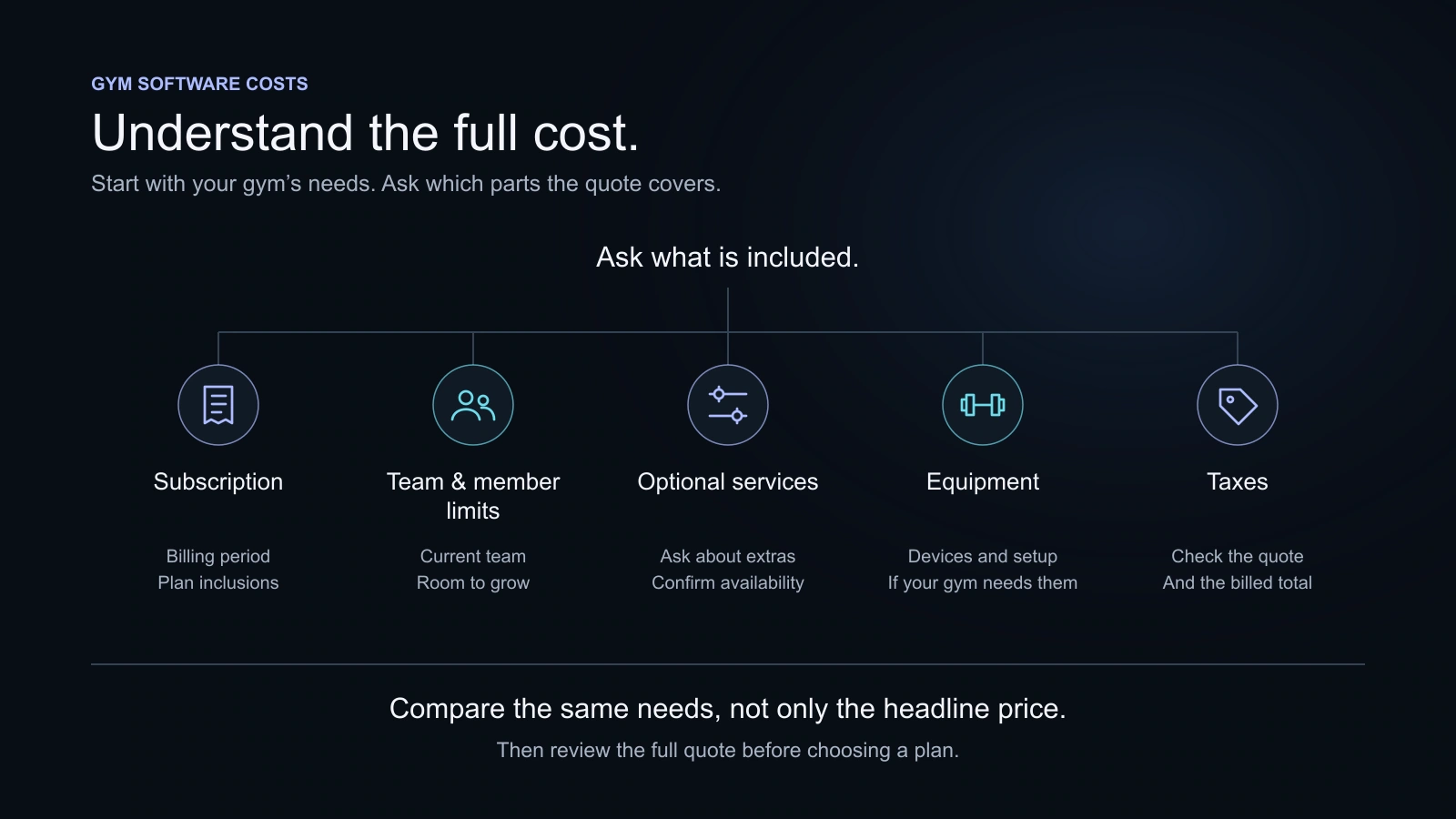
Compare a full year, including the relevant tax, member/staff capacity, optional services and equipment. An annual monthly equivalent is a useful comparison figure, but the annual bill is still paid as stated by the provider. Check the complete amount and renewal arrangement.
Keep one-off costs separate from recurring ones. Include work your own team will need to do, such as checking imported records and learning the system. Ask whether a planned expansion would require a higher plan or a separate contract. Use the India pricing guide to organise those questions.
Check the handover and the way out
Before moving real member information, identify who will prepare it, who will check it and who will train the team. Agree a cutover date that does not leave reception using conflicting records. Test a small sample before a complete move, and verify membership dates and relevant balances carefully.
Ask about export and cancellation while you are choosing the service. Clear answers now make it easier to assess the relationship. Do not assume every export contains every attachment, note or historical report. Ask for the fields, formats and access conditions you would rely on.
Where KRYOON belongs on the shortlist
KRYOON is worth evaluating when you want members, memberships, QR attendance, payment records, staff work and relevant training services connected in one gym-management product. Its defined roles and separate member experience are useful areas to test with your team.
Plan choice matters. Leads, classes and personal training start at Growth; Pro adds products, point of sale and stock. Review current plan inclusions rather than assuming every feature belongs in Starter.
KRYOON’s current offering does not imply online member checkout, biometric or door-access integration, a native app-store product, full HR/payroll administration or general accounting services. A critical requirement in one of those areas should be resolved before purchase, not explained away by a longer list of unrelated features.
Make the decision with a written record
Keep the final shortlist simple: essential tasks, actual plan, full cost, unresolved questions and the people who tested it. Record the reason for choosing a product in terms your team can understand. “Reception can handle our renewal and part-payment scenarios, and the trainer’s access fits the role” is a practical reason. “It looked advanced” is harder to use during a difficult handover.
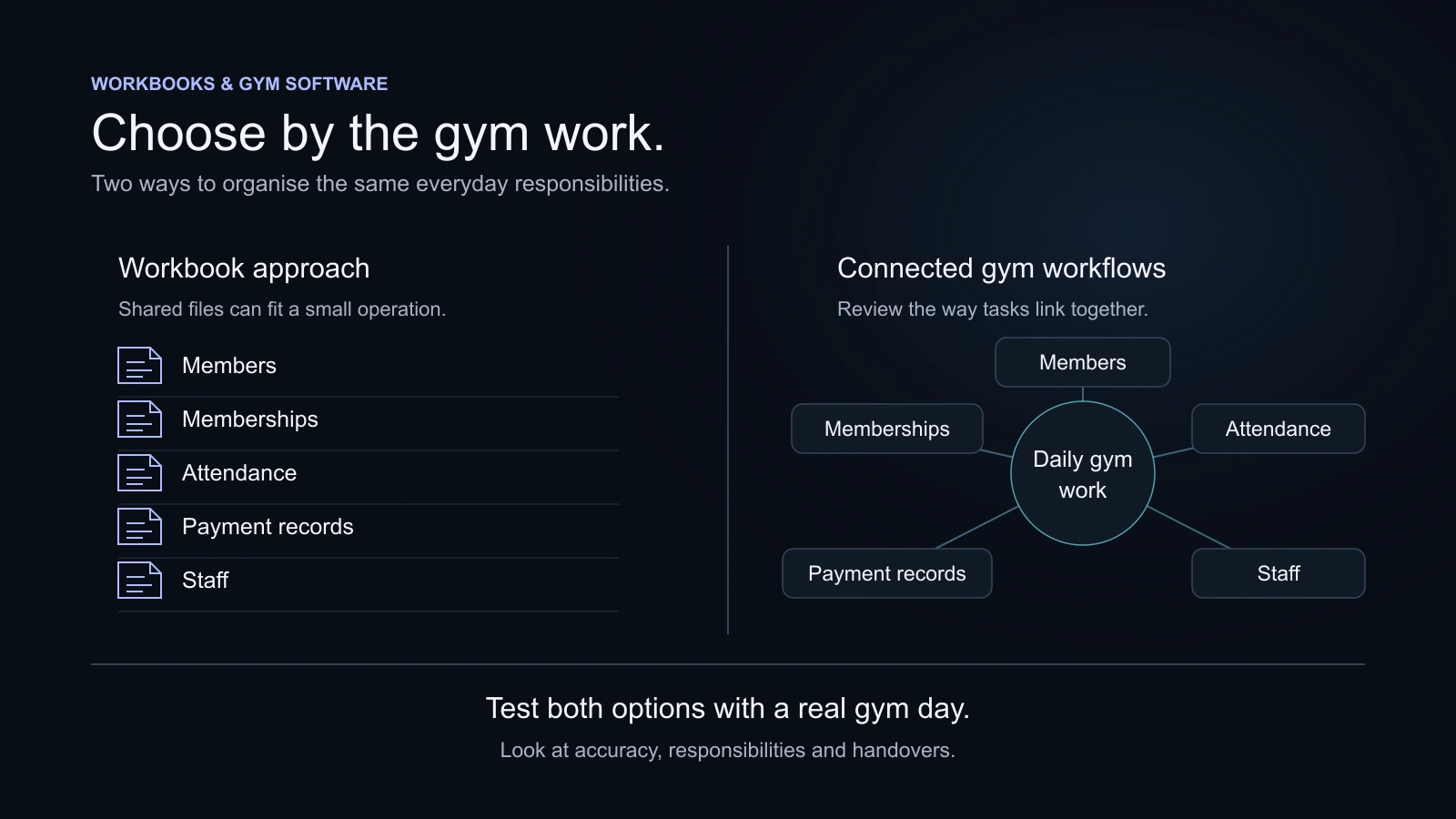
If a spreadsheet still meets the operation’s needs, there may be no reason to rush. The Excel comparison helps identify when a more connected workflow would be useful. Choose the next step that solves an observed problem, with a review point after the team has used it.
Questions, answered
Should a small gym choose the cheapest plan?
Choose the least expensive plan that covers your essential work and a realistic member/staff capacity. A lower price can still be poor value if the team needs a separate workaround for a critical task.
Does a member app mean a native iPhone or Android app?
No. A provider may mean a web portal, a shared app or a separately priced branded application. Ask which experience members receive and test it on their usual devices.
Is a comparison page enough to choose software?
Use it to make a shortlist. A trial with your team and written confirmation of the important commercial details provide a stronger basis for the final decision.
Can I use KRYOON to collect members’ fees online?
KRYOON currently supports manually recorded gym-member payments and relevant invoices. The Member Portal does not provide online member checkout. Subscription payment for KRYOON is a separate matter.
Sources and further reading
Product details and third-party offerings can change. Check the linked information before a purchase.
- KRYOON product overviewChecked 29 October 2026
- KRYOON plansChecked 29 October 2026
- Gymdesk official websiteChecked 29 October 2026
- GymMaster official websiteChecked 29 October 2026
- GymOwl official websiteChecked 29 October 2026
- Mindbody fitness softwareChecked 29 October 2026
- MyGymDesk official websiteChecked 29 October 2026
- Okfit official websiteChecked 29 October 2026