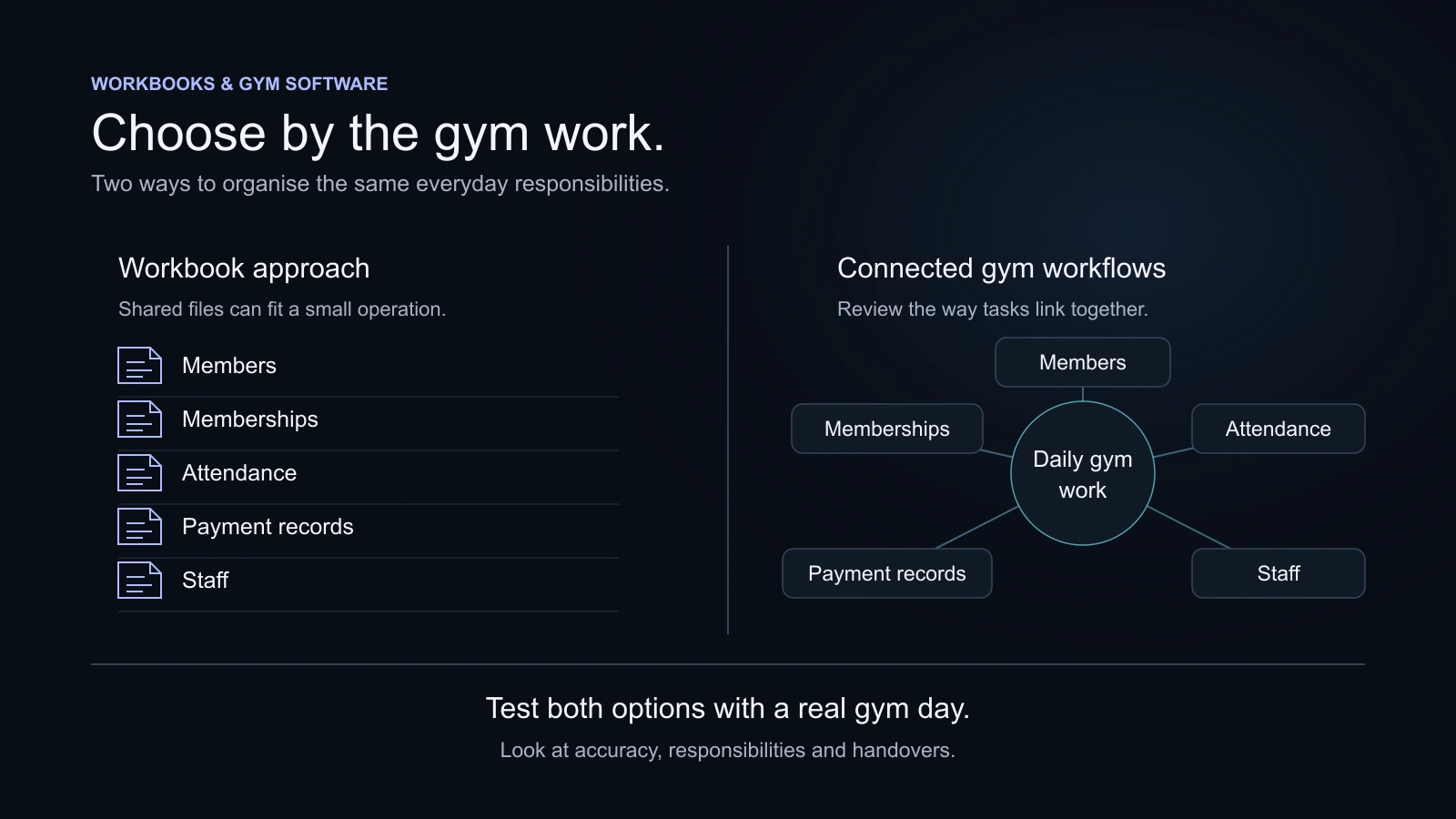


Choose an attendance method by the work it needs to do: record visits, help staff find useful history, or support a separate physical-entry requirement. Compare member interaction, equipment, staff effort, reporting and privacy questions. QR visit recording and a system that controls a door are different capabilities and should be evaluated separately.
Key takeaways
- Start with the information your gym needs after a visit is recorded.
- Separate attendance records from physical door-entry control.
- Check actual device, reporting and support arrangements with each provider.
- Avoid universal security claims or treating a QR scan as proof of a completed PT session.
A gym owner choosing attendance software may be solving two different problems. Reception may need a useful record of member visits. A different facility may need equipment that controls a door outside staffed hours. Calling both an attendance system can hide an important buying decision.
Start with the outcome. Then compare the member interaction, staff effort, equipment and information available afterwards. The method with the lowest setup cost is not automatically the lowest-effort option, and a more expensive device is not automatically the right fit.
Decide what the attendance record should help you do
List the ordinary questions the team needs to answer. Has the member visited recently? Can reception find a recorded visit? Does a trainer need attendance context for a useful conversation? Does the gym need a report for a defined period?
If the requirement involves physical entry, describe that separately: which door, which hours, which members and what should happen when equipment or connectivity is unavailable. Ask an appropriate provider about the actual installation and support. Do not assume a software check-in screen can operate a lock.
Use the same list of questions for every proposed method. A comparison becomes clearer when the gym is evaluating the same outcome rather than comparing a register with the most advanced feature on a vendor’s website.
Understand the differences between methods
| Method | Typical setup to investigate | Member/staff interaction | Questions after the visit |
|---|---|---|---|
| Paper register | Register and an agreed recording process | Someone writes the visit; staff may check it | How will the team find and summarise the entry? |
| Spreadsheet/manual log | Device, workbook or digital form and a maintained process | Staff or members use the agreed entry process | Who checks accuracy and prepares useful summaries? |
| QR attendance | Supported software, member phone/camera and gym marker | Member follows the supported scan flow | What visit history and reports are available? |
| Biometric equipment | Specific reader, software connection and installation | Member uses the enrolled method; staff handle exceptions | What is recorded, and how are failed attempts resolved? |
| RFID/door access | Compatible readers, cards or credentials, door equipment and support | Member uses the configured entry method | How are entry events, permissions and exceptions handled? |
The descriptions are comparison questions, not fixed cost or security rankings. Actual requirements depend on the product and installation. A device alone does not establish the reporting quality or the experience your team will have.
When a paper register may still fit
A small, staffed operation may decide a simple register is sufficient for its immediate needs. Its usefulness depends on a clear process: who records the visit, which details are appropriate and how the record is kept from unnecessary viewing.
Consider the work after entry. Searching old pages or preparing a period summary can require manual effort. If that work remains manageable, a register can be a reasonable choice. If it repeatedly interrupts reception or leaves the team unable to answer ordinary questions, test another approach.
Avoid claiming that every register creates errors or that every digital product eliminates them. People still need to follow an understandable process.
When a spreadsheet or manual digital log may fit
A structured digital log can make a list easier to search and organise than loose paper. The gym must still decide who enters information, who checks it and how it relates to membership details held elsewhere.
Some teams already have a workbook process they understand. Before replacing it, identify the specific problem: repeated entry, difficult handovers, missing context or the need for a member-facing service. The Excel comparison helps distinguish a process improvement from a reason to buy a different tool.
Do not treat the presence of a spreadsheet as proof that no collaboration or version history is available. Evaluate the actual setup and responsibilities.
What to test with QR attendance
Ask the provider to show the complete member interaction, including how the member starts, what they need on the phone and how staff help if the scan cannot be completed. Try it where members will actually stand, with realistic lighting and the devices they are likely to use.
Then review the record afterwards. Can the member find relevant visit history? Can the appropriate staff find the information useful to their work? Which reports and exports are included in the selected plan?
KRYOON’s member attendance uses a signed-in member account and the phone camera to scan the gym QR. It does not require GPS or biometric equipment. The Member Portal provides the member-facing route, while the team works with relevant attendance information through its own experience.
That describes the public interaction. It is not a promise of physical door access, universal fraud prevention or an installation that never needs staff help.
What to ask a biometric provider
Confirm the exact device model, the supported software connection and the work needed to install and maintain it. Ask how enrolment, an unsuccessful attempt, a replacement device and support are handled in the proposed setup.
Biometric processing can raise important privacy and governance questions. Ask what information is collected, where it is kept, who can access it, how long it is retained and what alternative process is available. Obtain appropriate legal or specialist advice for your circumstances rather than treating a buyer’s guide as a compliance approval.
Do not choose a device based on a universal accuracy or security claim without relevant evidence. The actual operation includes staff procedures, installation, equipment and the handling of exceptions.
Treat physical entry as a separate project
If a gym needs a door or gate to respond to membership access, ask a provider offering that capability to assess the installation. For example, GymMaster publicly describes an access-control offering; the exact equipment, commercial arrangement and suitability still require confirmation with the provider.
This guide does not imply KRYOON integrates with those devices. KRYOON’s current public attendance offering focuses on member QR visit records and manual staff attendance.
Does equipment need to control a physical door?
Discuss the exact access installation, supported hardware and service arrangements with an appropriate provider.
Do you need visit records with little dedicated hardware?
Evaluate a supported phone-based QR experience, the resulting history and the assistance members may need.
Is the operation small and the manual process clear?
A register or digital log may still fit. Review the work of finding and summarising entries.
An original decision guide. Confirm product capabilities and installation details before purchase.
Use the decision guide to identify the next question, rather than interpreting it as an automatic product recommendation. Physical safety, access exceptions and equipment support deserve a direct discussion with the appropriate installer or provider.
Compare the operating cost, not just the device price
Record the relevant subscription, equipment, installation, connectivity and ongoing support arrangements. Note work staff must do, such as assisting members or preparing reports. Use actual quotes; there is no universal Indian price for each attendance method.
Keep one-off purchases separate from recurring costs. If another service is required to connect a device or produce a report, include the actual confirmed arrangement. A method that fits a small staffed gym may differ from one suitable for a facility operating with less reception coverage.
The software pricing guide provides a cost worksheet for organising your own assumptions.
Keep visits, sessions and staff attendance distinct
A recorded gym visit does not establish that a particular class or personal-training session was completed. A member may enter for another purpose or use a different service. Check the relevant booking and session information when that outcome matters.
Staff attendance also has a different purpose. In KRYOON, the Owner or appropriately authorised staff records staff attendance manually. Staff do not use the member QR flow for their own attendance. Staff management explains that area of gym work.
Clear distinctions help a report mean what the owner thinks it means. Avoid combining different records into an unsupported measure of training completion or staff working time.
Run a practical acceptance test
Test the ordinary arrival, a member needing help, finding a past visit and producing a relevant report. If equipment controls entry, include the provider’s supported exception and support procedures in the evaluation. Check the plan and the actual installation, not only the demonstration.
Choose the simplest method that fits the required work and a realistic level of staff support. Keep the decision tied to useful records and the member experience, with no promise that a method guarantees retention, eliminates misuse or solves every operating problem.
Questions, answered
Does QR attendance require GPS?
KRYOON’s member QR attendance does not require GPS. Members use their own account and phone camera to scan the gym QR.
Does recording attendance control a gym door?
Not necessarily. Visit recording and physical entry control are separate capabilities. Confirm the equipment and product integration needed if a door must be controlled.
Is a biometric method always more accurate or secure?
Do not assume that from the method name. Assess the actual device, setup, handling of failed attempts, staff process and the evidence a provider supplies.
Does a gym visit prove that a member completed a class or PT session?
No. A gym visit and attendance or completion for a particular class/PT session are different records. Use the relevant session workflow.
Can staff use KRYOON member QR for their own attendance?
Staff attendance is recorded manually by the Owner or appropriately authorised staff. The member QR flow is separate.
Sources and further reading
Product details and third-party offerings can change. Check the linked information before a purchase.
- KRYOON attendance featuresChecked 29 October 2026
- KRYOON Member PortalChecked 29 October 2026
- KRYOON staff managementChecked 29 October 2026
- GymMaster published access-control offeringChecked 29 October 2026